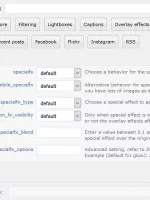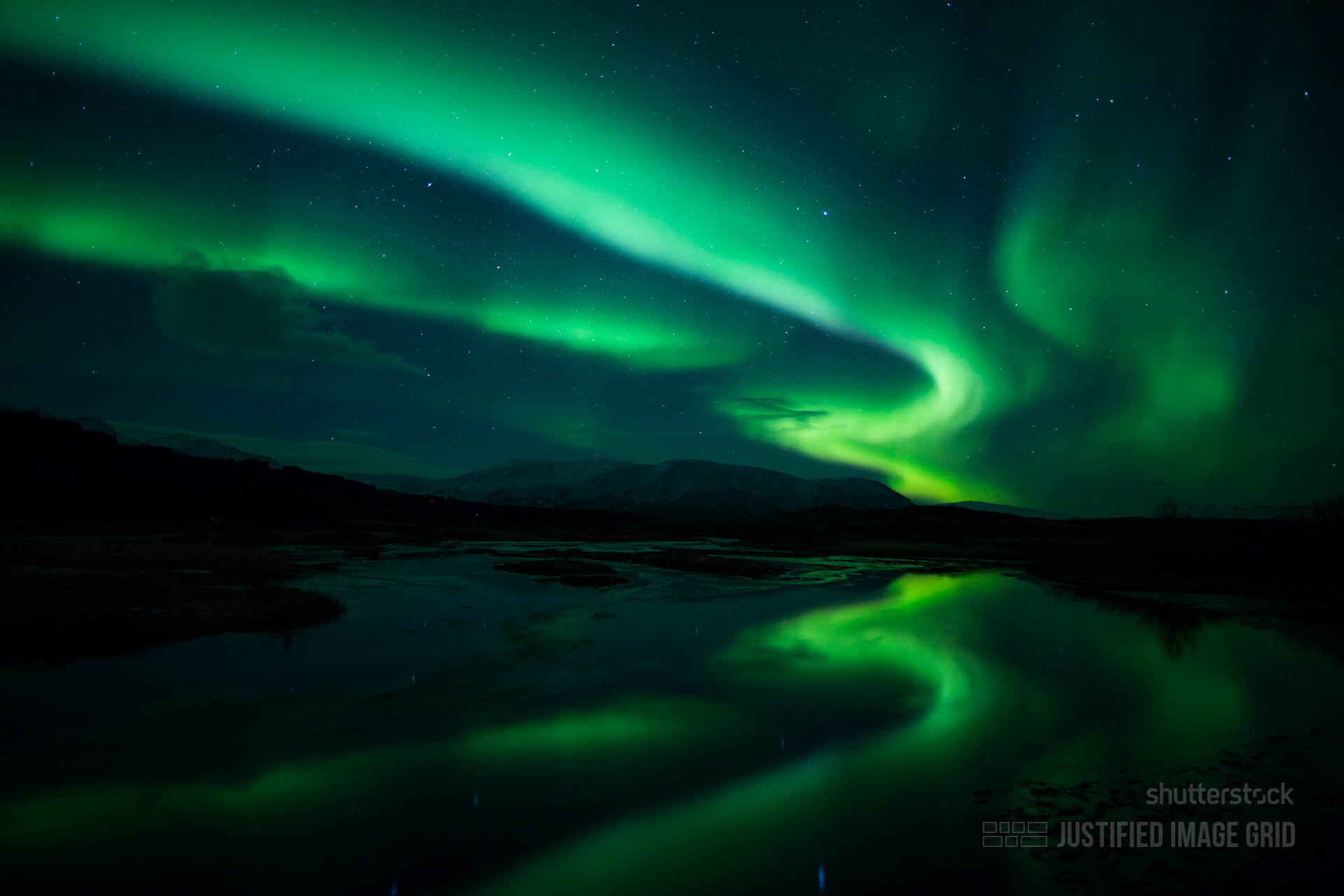
Enhance your galleries with special effects by Justified Image Grid. Show or hide them on mouse over or turn them on or off regardless of the mouse. Browsers quickly generate the special effects so they come with no bandwidth cost. They are are available for all images in a cross-browser compatible fashion. Discover all the examples with your mouse or tap on mobile devices!
Desaturate
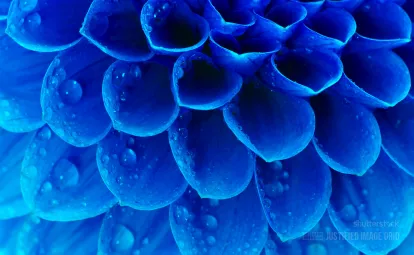


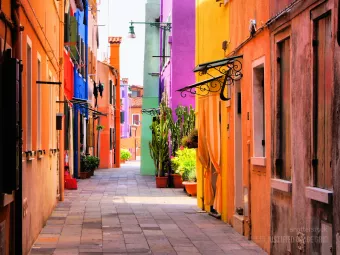
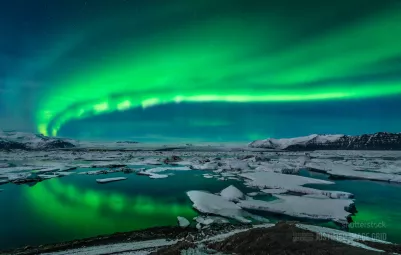
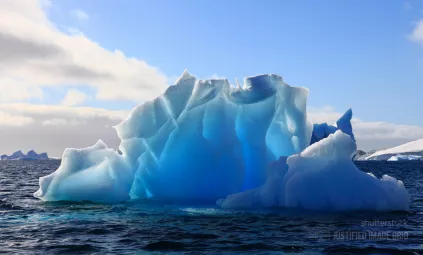
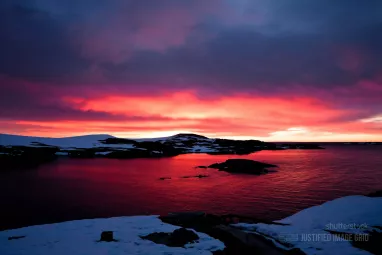
The above example uses the following, generated shortcode (how to use):[$justified_image_grid preset=2 row_height=230 height_deviation=25 caption=off overlay=off specialfx=others specialfx_type=desaturate lightbox=links-off mobile_lightbox=links-off max_rows=3 ng_pics="229, 253, 250, 683, 760, 766, 769"]
Blur
The magnifying glass overlay icon is added to boost this effect.

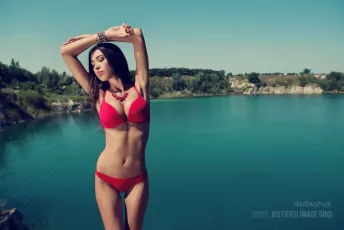
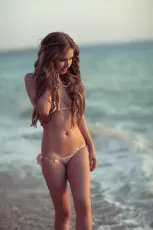


The above example uses the following, generated shortcode (how to use):[$justified_image_grid caption=off overlay=others overlay_icon=on overlay_icon_opacity=0.5 overlay_opacity=0 specialfx=others specialfx_type=blur lightbox=links-off mobile_lightbox=links-off last_row=hide ng_pics="478, 665, 458, 271, 513"]
Like what you are seeing? Continue to the most beautiful special effects.
There are special effects that best match certain subjects. Control effects' strength by their transparency. This allows experimentation for unique results. You can add tinted overlays and captions to the mix to surpass your expectations.
Orton effect (blended blur)
This mimics Orton photography. The images look smooth and dreamy. Observe the difference as the original version is revealed on interaction. This special effect is especially good for people shots as it beautifies the skin. It is also excellent with hair, fur, water.








The following stands as a thank you to greentzatziki whose photos helped Justified Image Grid towards success for three years.
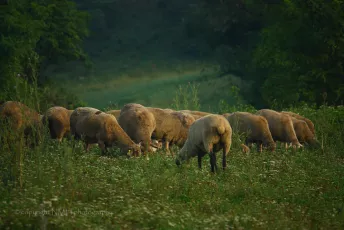

The above example uses the following, generated shortcode (how to use):[$justified_image_grid ids="10196, 10197" caption=off overlay=off specialfx=others specialfx_type=blur specialfx_blend=0.5 lightbox=links-off mobile_lightbox=links-off last_row=center]
Glow
Interact with these to see glow in action. This special effect is best for darker photos with a light source. It brightens up midtones well, but it's not for already bright photos that are near overexposure anyway.


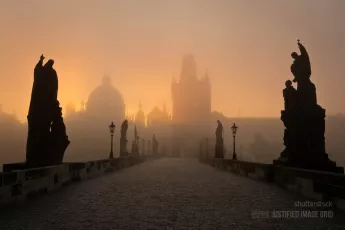





The above example uses the following, generated shortcode (how to use):[$justified_image_grid caption=off overlay=off specialfx=hovered max_rows=5 specialfx_type=glow lightbox=links-off mobile_lightbox=links-off ng_pics="290, 602, 677, 714, 465, 745, 875, 874"]
Sepia
Sepia achieves a vintage or nostalgic look easily. It's like black & white and glow combined but with a brown tint.









The above example uses the following, generated shortcode (how to use):[$justified_image_grid caption=off overlay=off specialfx=others specialfx_type=sepia lightbox=links-off mobile_lightbox=links-off max_rows=2 ng_pics="232, 225, 226, 239, 227, 248, 245, 249, 221"]
Laplace light
It's a rare filter that does edge detection that will make your thumbnails look hand drawn. Useful for obfuscating or simplifying images.



The above example uses the following, generated shortcode (how to use):[$justified_image_grid caption=off overlay=off specialfx=others specialfx_type=laplace_light lightbox=links-off mobile_lightbox=links-off max_rows=1 ng_pics="581, 555, 548, 578"]
Laplace dark
Using edge detection, borders of shapes will shine on a black background. Good to reveal little secrets.



The above example uses the following, generated shortcode (how to use):[$justified_image_grid caption=off overlay=off specialfx=others specialfx_type=laplace_dark lightbox=links-off mobile_lightbox=links-off max_rows=1 ng_pics="608, 602, 605, 606"]
What are the options for special effects?
- Choose the effect to use or disable the feature.
- Reveal or hide on mouse over.
- Effect can stay fixed regardless the mouse.
- Work differently on turn off on mobile devices.
- Control how visible is the effect over the original image.
- Advanced settings for certain effects such as glow amount.
- Only apply effects behind the captions.
Note: The effects are achieved by a JS plugin, Pixastic. When Jetpack plugin's Photon module (a CDN) is enabled, the special effects are turned off. It is due a JavaScript security policy for images served from another domain. In most cases, special effects can show normally as thumbnails are hosted on your domain even for Facebook and Flickr.
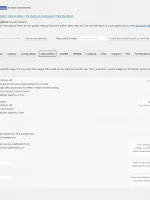
How do the settings look like?